Code. Vibe. Deploy. Anywhere
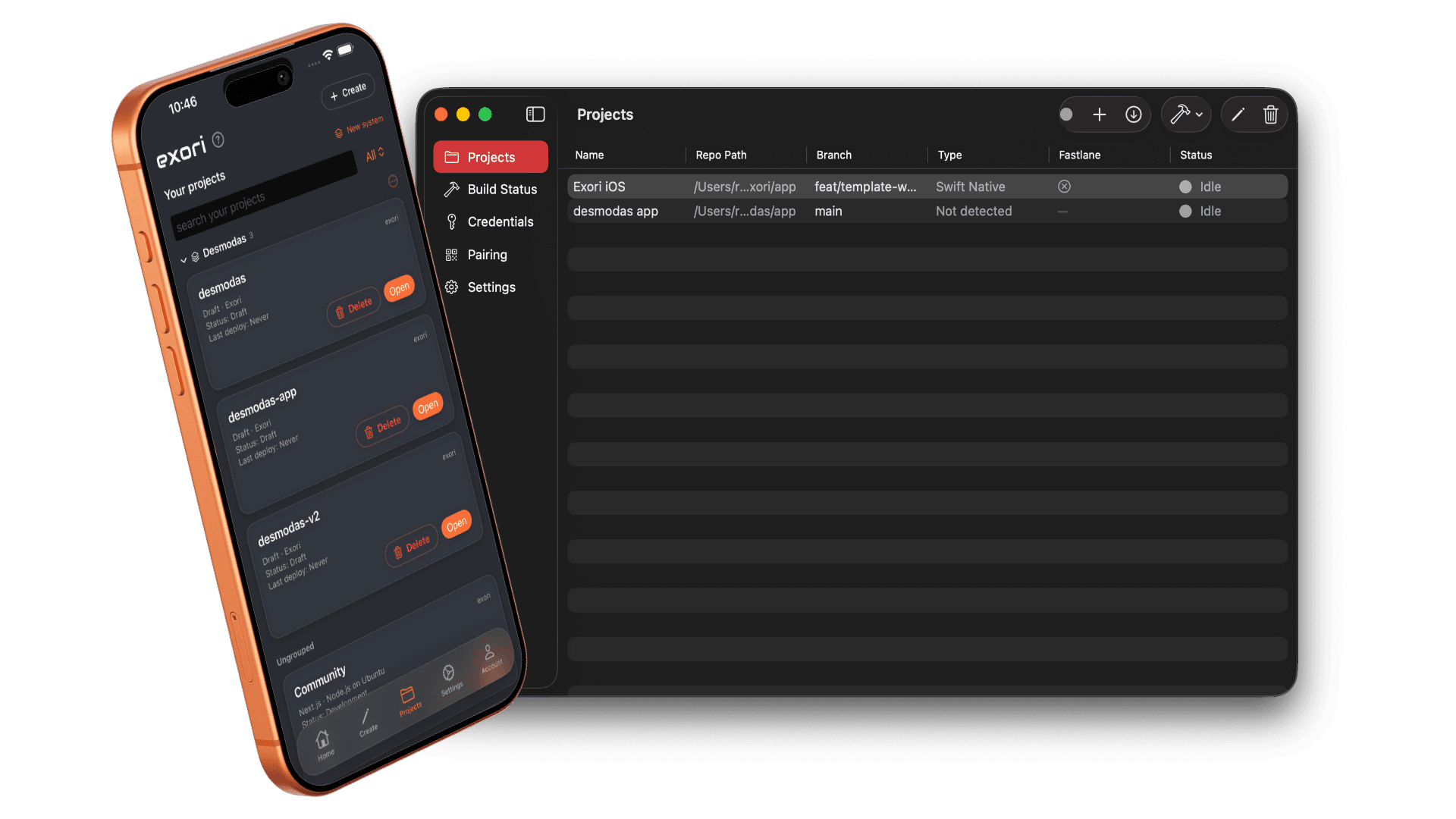
Pair your Mac with exori Bridge or spin up a cloud instance and carry on working from your phone — real editor, git, and deploys. An AI agent with web research and the app builder are there when you need them; staying productive on the go is the point.
Your infrastructure or our infrastructure or both
We are constantly adding more integrations
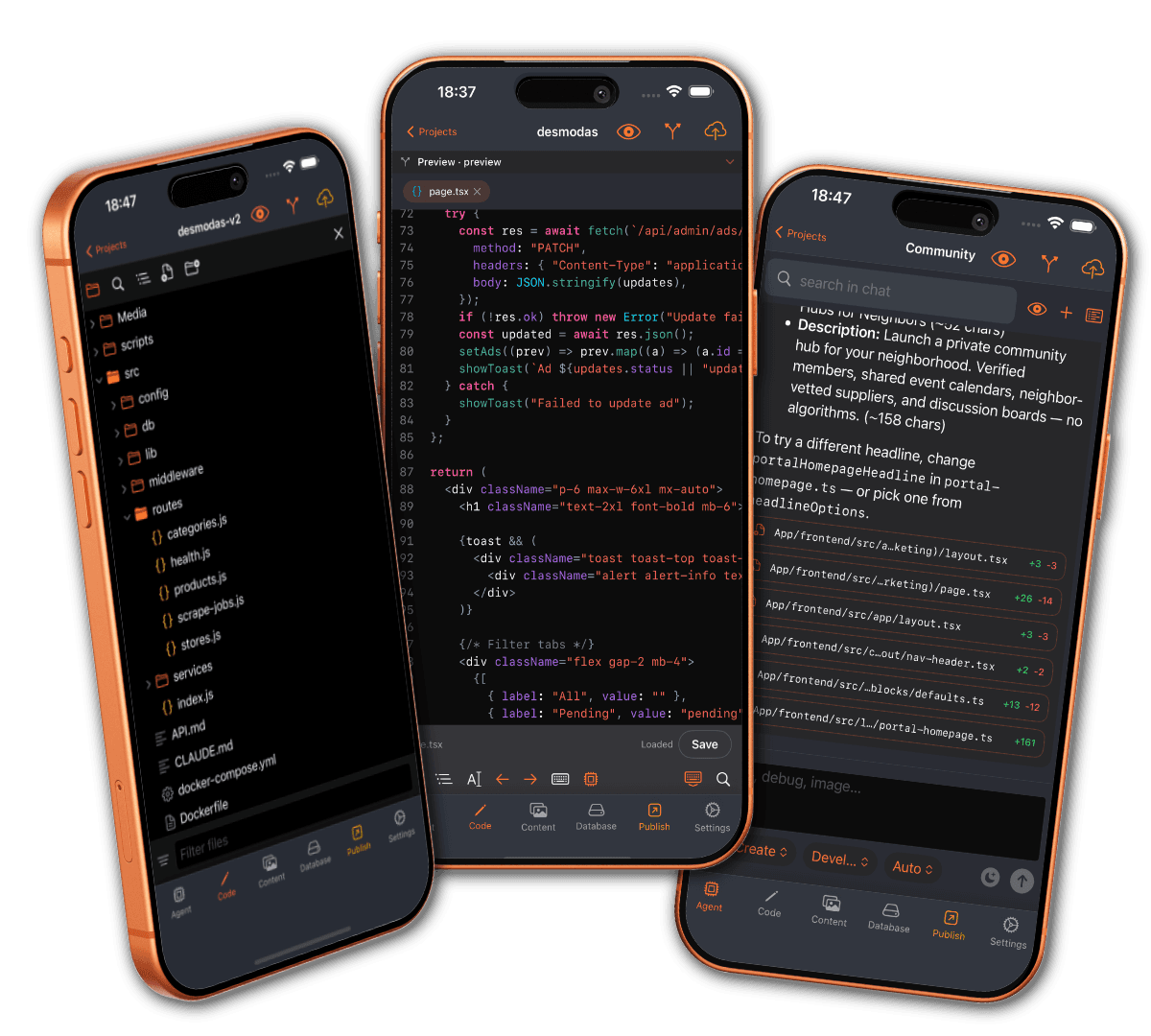
Mobile IDE
Code your way — editor or agent
Use the Runestone editor with a VS Code-style file browser, syntax highlighting, and save — or chat with the AI agent to research, plan, and apply changes. Switch tabs anytime; same project, whichever workflow you prefer.
Security
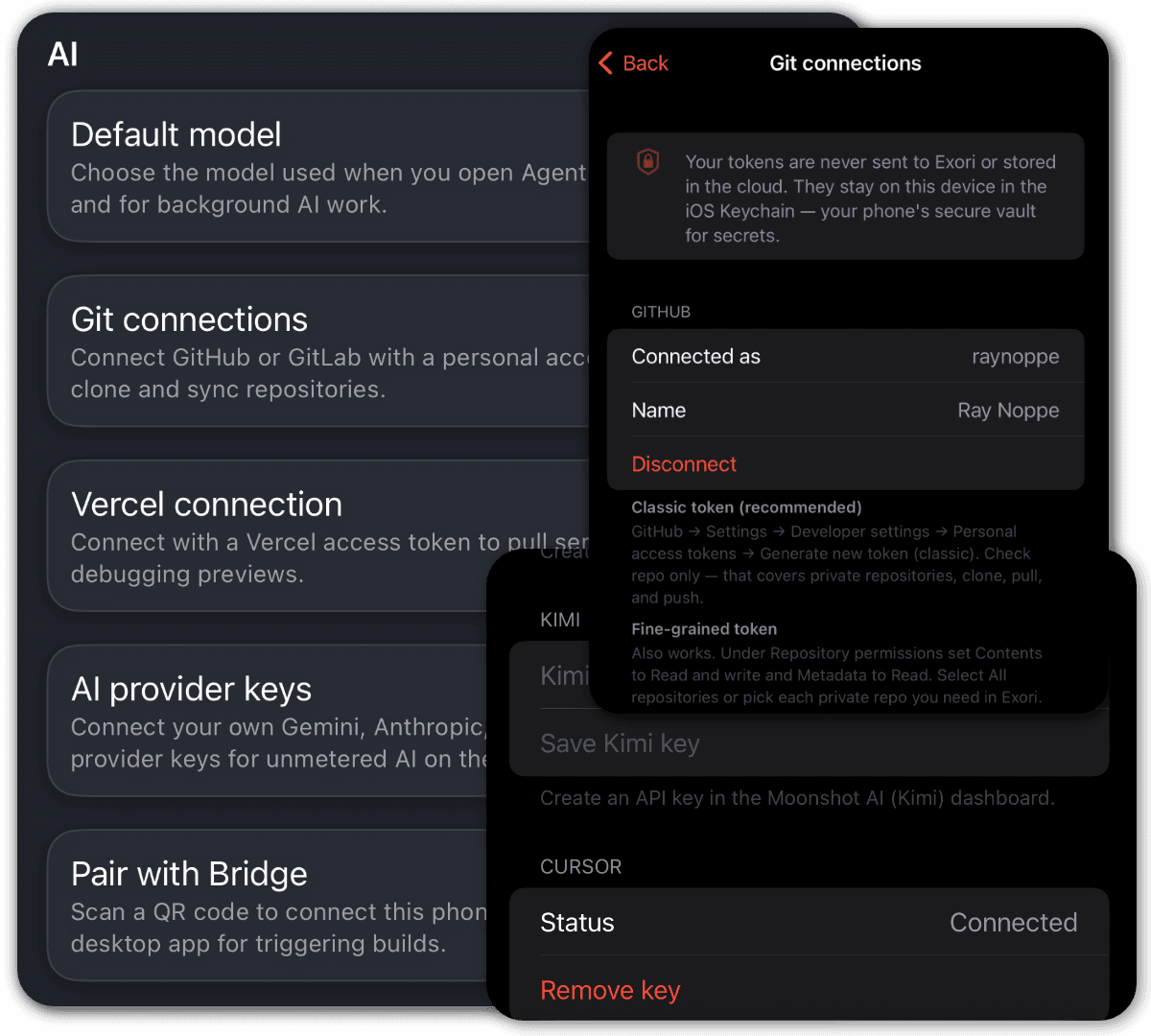
Credentials stay on your devices
Git tokens, AI provider keys, Vercel tokens, and Bridge signing credentials live in the iOS Keychain and Mac Keychain — never stored in the exori cloud and never passed to AI services.
FAQ
Frequently asked questions
Quick answers to common questions.
Get early access
Join the waitlist for launch updates, or apply for the invite-only beta.